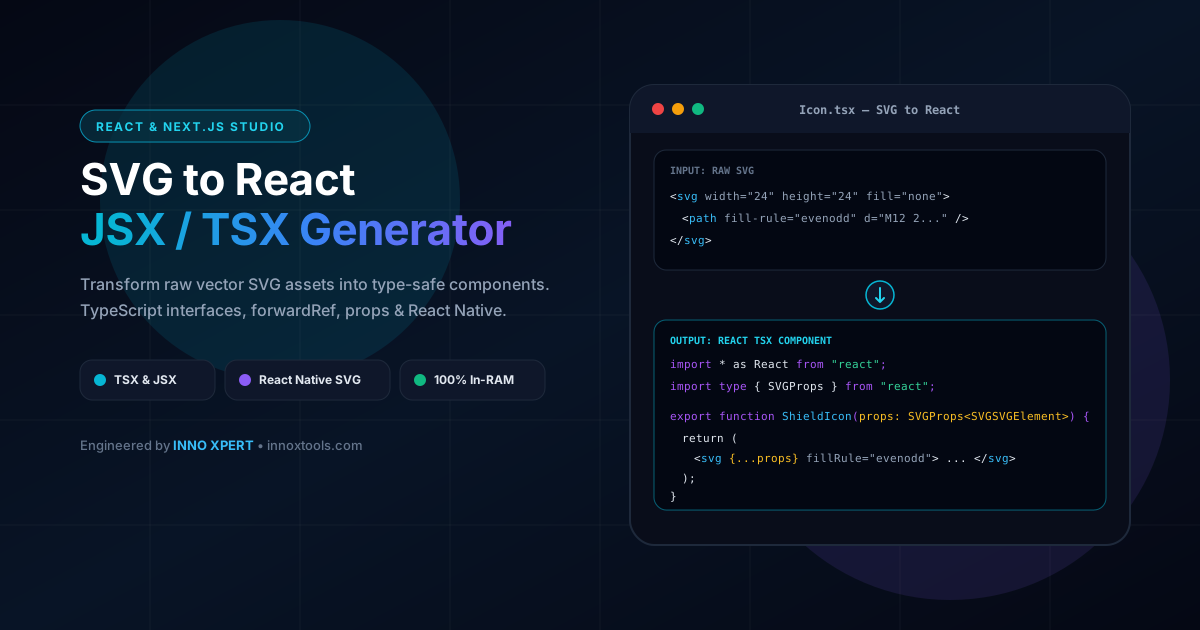
Everything You Need to Know About SVG to React & Next.js JSX/TSX Component Studio
What is SVG to React & Next.js JSX/TSX Component Studio? Transform raw vector SVG assets into type-safe, production-ready React (JSX/TSX) or React Native components with forwardRef, TypeScript interfaces, and customizable props. Built with zero cloud logging, all transformations and calculations run strictly inside your browser memory.
- Canonical Utility:
- SVG to React & Next.js JSX/TSX Component Studio on InnoxTools
- Execution Sandbox:
- 100% Client-Side RAM (Zero Cloud Storage)
- Compliance & Standards:
- W3C, RFC Compliant, Air-Gapped Safe
- Runtime & Complexity:
- Local V8 / WebAssembly (O(n) Linear Execution)
- Network Transmission:
- 0 Outbound Telemetry (Offline Capable)
- License & Usage:
- Free Commercial & Personal (Unlimited Runs)
The InnoxTools SVG to React and Next.js Component Studio is an enterprise-grade vector asset transformation workbench designed for frontend engineers, UI/UX designers, and full-stack software developers. While Scalable Vector Graphics (SVG) represent the modern standard for icons, logos, and illustrations on the web, consuming raw SVG markup directly in React, Next.js, or React Native applications presents significant architectural friction.
Raw SVGs exported from design software like Figma, Adobe Illustrator, Sketch, or Inkscape frequently contain incompatible HTML/XML attributes (such as 'class', 'fill-rule', 'stroke-width', 'clip-path', 'xmlns:xlink', and hyphenated styles) that trigger React DOM validation warnings in the browser console. Furthermore, loading SVGs via standard <img> tags prevents dynamic runtime styling via CSS or Tailwind, blocks currentColor inheritance, and incurs additional HTTP network round-trips that introduce unsightly layout shifts (FOUC).
Inlining vector assets as native JSX/TSX components empowers developers with first-class component ergonomics. By converting an SVG into a React component, you gain the ability to pass dynamic props (such as `size`, `className`, `onClick`, or `aria-label`), customize fill and stroke colors on hover or focus states, and animate paths seamlessly with libraries like Framer Motion or React Spring.
The InnoxTools studio supports both standard React (Web) and React Native architectures. In React Native mode, standard web SVG primitives (`<svg>`, `<path>`, `<rect>`, `<circle>`) are automatically transformed into native `react-native-svg` components (`<Svg>`, `<Path>`, `<Rect>`, `<Circle>`) typed with `SvgProps`. This enables design system teams to maintain complete visual consistency across both web and native mobile codebases.
Customize every facet of your component output with one-click options: toggle between TypeScript (`.tsx`) with strict `SVGProps<SVGSVGElement>` typing and JavaScript (`.jsx`), choose between named function declarations and arrow functions, wrap components with `React.forwardRef` for ref forwarding in icon libraries, strip hardcoded dimensions to rely on CSS responsive sizing, or enable `currentColor` overrides so icons automatically inherit text color.
All parsing, attribute normalization, and component generation execute 100% inside your web browser's local RAM memory. Your proprietary brand icons, vector illustrations, and design system assets remain completely private and are never uploaded to remote cloud conversion servers.
How It Works Under the Hood
Paste SVG Markup or Upload .svg File
Paste raw vector XML code into the editor or upload an existing .svg file from your device. Component names are automatically inferred from file names.
Configure Component Architecture & Framework
Select your target framework (React Web or React Native), language (TypeScript TSX or JavaScript JSX), and function style (Named Function or Arrow Function).
Customize Props, Sizing & Styling Toggles
Toggle 'currentColor' to replace hardcoded hex colors, strip width/height to rely on CSS sizing, or enable props spreading ({...props}) for flexible customization.
Automated Kebab-to-CamelCase Normalization
Our engine scans and converts over 50 incompatible SVG attributes (fill-rule, stroke-width, clip-path, xmlns:xlink) into valid React JSX camelCase properties.
Inspect Live Visual Sandbox Render
Verify your SVG in the sandbox visual preview window to confirm that colors, curves, and viewBox dimensions render properly before exporting.
Copy Code or Download Component File
Click 'Copy Code' to copy generated code directly to your clipboard, or click 'Download' to save the .tsx or .jsx file to your local computer.
Key Architectural Capabilities & Features
Automated Kebab-to-CamelCase Normalization
Converts over 50 incompatible SVG attributes (fill-rule, stroke-width, clip-path, xmlns:xlink) into valid React JSX camelCase properties.
TypeScript Type-Safety Out of the Box
Generates strict type annotations using React.SVGProps<SVGSVGElement> with complete IDE autocomplete and zero 'any' fallbacks.
React Native Svg Architecture Support
Converts standard HTML SVG elements into react-native-svg primitives (Svg, Path, Rect, Circle) with type-safe SvgProps.
Interactive Sandbox Live Visual Preview
Renders the vector markup directly inside a secure in-browser preview container so you can verify graphics before copying code.
Dynamic currentColor Theme Adapter
Replaces static hex and RGB colors with currentColor so icons automatically adapt to light/dark modes and hover states.
Inline Style String to Object Parser
Converts legacy style="fill: #fff; opacity: 0.8" attributes into valid React style={{ fill: "#fff", opacity: 0.8 }} syntax.
forwardRef Support for Icon Libraries
Wraps components with React.forwardRef, enabling animation engines (Framer Motion) and focus managers to access the DOM node.
100% In-Browser RAM Execution
Processes and transforms proprietary icons and vector illustrations entirely in client memory with zero server uploads.
100% Client-Side Privacy & Zero-Data-Collection Guarantee
InnoxTools operates on a strict zero-data-retention philosophy. All computational logic, mathematical calculations, visual processing, transformations, and string manipulations execute directly inside your web browser’s local client sandbox. Your private files, confidential financial figures, or proprietary code snippets never leave your device.