Everything You Need to Know About Free Image Flipper & Mirror Rotator
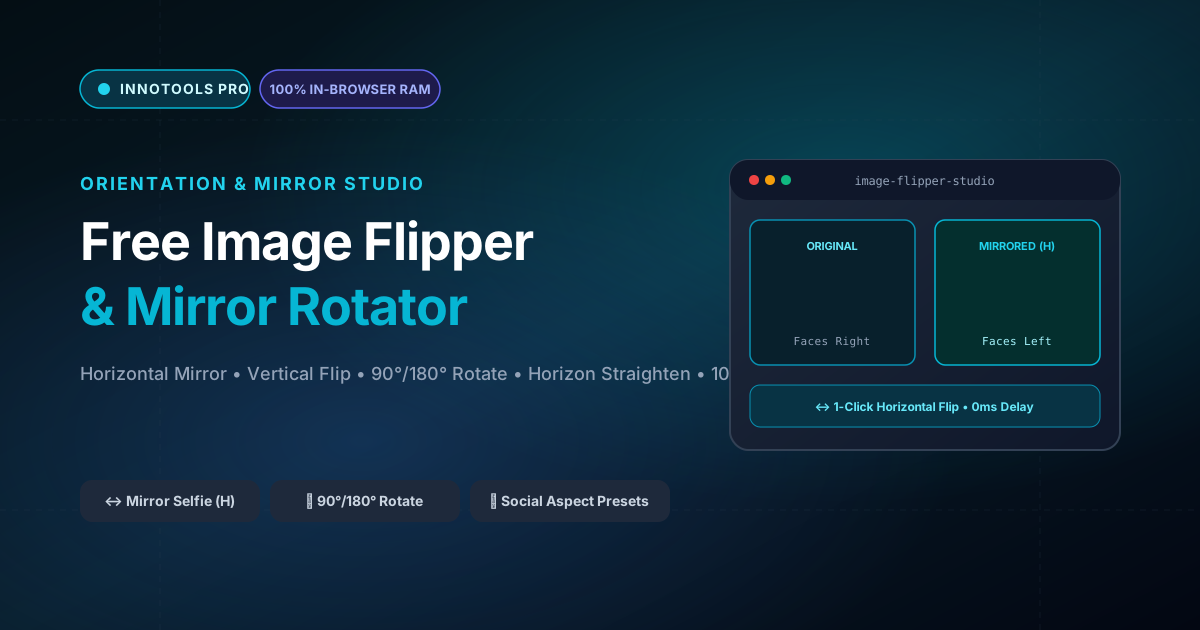
What is Free Image Flipper & Mirror Rotator? Flip images horizontally to mirror selfies, flip vertically, rotate 90°/180°, straighten horizons, and frame for social media (1:1, 4:5, 16:9, 9:16) with zero quality loss. Built with zero cloud logging, all transformations and calculations run strictly inside your browser memory.
- Canonical Utility:
- Free Image Flipper & Mirror Rotator on InnoxTools
- Execution Sandbox:
- 100% Client-Side RAM (Zero Cloud Storage)
- Compliance & Standards:
- W3C, RFC Compliant, Air-Gapped Safe
- Runtime & Complexity:
- Local V8 / WebAssembly (O(n) Linear Execution)
- Network Transmission:
- 0 Outbound Telemetry (Offline Capable)
- License & Usage:
- Free Commercial & Personal (Unlimited Runs)
Digital image orientation and compositional balance are fundamental elements of visual storytelling, commercial advertising layout, and personal photography. In digital portraiture, front-facing mobile smartphone cameras typically display a mirrored viewfinder to the user, creating natural visual familiarity; however, default operating system camera apps frequently un-mirror or invert the saved image file upon capture. This discrepancy results in inverted selfies, reversed typography on apparel, and unnatural facial asymmetry that leaves subjects dissatisfied.
Furthermore, graphic designers and social media marketers frequently need to flip product models horizontally to ensure directional gaze lines point toward call-to-action buttons or copy text—a psychological technique that measurably boosts conversion rates. Similarly, photographs captured from drones, flatbed document scanners, or inverted mobile phone orientations routinely require 90-degree orthogonal rotations, 180-degree inversions, or fine horizon angle corrections to eliminate crooked tilt.
Traditional desktop editing tools like Adobe Photoshop require heavy software installations and manual canvas transformation hotkeys, while standard online flip tools bombard users with invasive video ads, enforce file quantity quotas, downscale output resolutions, or upload personal photos to unverified third-party cloud servers.
The InnoxTools Free Image Flipper and Mirror Rotator delivers an instant, studio-grade image transformation workstation executing entirely inside your local web browser RAM. By leveraging the HTML5 Canvas 2D Rendering Context and 2D transformation matrix mathematics (`ctx.scale(-1, 1)` and `ctx.rotate(angle)`), your images are inverted, rotated, straightened, and framed in real time with zero server latency and absolute privacy.
Our studio provides one-click quick actions for horizontal mirroring (ideal for selfie correction), vertical inversion (upside down), 90-degree clockwise and counter-clockwise rotations, and a fine horizon straighten slider (-45° to +45°) for correcting crooked horizons. In addition, creators can frame transformed assets across standard social media aspect ratios—including 1:1 Square (Instagram Feed), 4:5 Vertical (Instagram Portrait), 16:9 Landscape (YouTube Thumbnail), and 9:16 Vertical (TikTok, Reels, and Shorts).
Representing the 50th active utility on the InnoxTools platform and concluding Category 1 (Image & Media Super-Tools), this tool exemplifies INNO XPERT's commitment to delivering enterprise-grade web utilities that empower digital creators worldwide.
How It Works Under the Hood
Client-Side Ingestion via FileReader
Upload or drag-and-drop any photograph (JPEG, PNG, or WebP). The image is decoded into browser memory using an asynchronous FileReader stream with zero network transfer.
Apply 1-Click Horizontal or Vertical Flip
Click 'Flip Horizontal' to mirror the image left-to-right via matrix scale inversion `scaleX(-1)`. Click 'Flip Vertical' to invert the image upside-down via `scaleY(-1)`.
Orthogonal Rotation & Horizon Straightening
Rotate by 90° clockwise or counter-clockwise, or use the Horizon Straighten slider (-45° to +45°) to correct crooked camera angles with sub-degree precision.
Social Aspect Ratio Framing & Lossless Export
Select a social aspect ratio preset (1:1, 4:5, 16:9, 9:16) or preserve original dimensions. Download your transformed image in 1-click as a lossless PNG or high-quality JPG.
Key Architectural Capabilities & Features
100% In-Browser RAM Processing
Your personal selfies, private documents, and commercial photography remain strictly on your machine. Zero cloud uploads.
1-Click Horizontal Mirroring
Instantly flip images horizontally to mirror selfies, correct camera sensor inversion, or change directional composition.
Vertical Inversion & 90°/180° Rotate
Easily flip upside down or rotate in 90-degree orthogonal increments to correct sideways scanner or mobile camera exports.
Fine Horizon Angle Straightener
Dial sub-degree tilt from -45° to +45° with a live slider to level uneven landscapes, architectural lines, and horizon tilts.
Social Media Aspect Ratio Presets
Frame your photo directly into 1:1 (Instagram), 4:5 (Portrait), 16:9 (YouTube), or 9:16 (TikTok & Reels) dimensions.
Lossless Native Resolution Export
Exports your final transformed image at 100% original camera sensor resolution in crisp PNG or JPEG.
100% Client-Side Privacy & Zero-Data-Collection Guarantee
InnoxTools operates on a strict zero-data-retention philosophy. All computational logic, mathematical calculations, visual processing, transformations, and string manipulations execute directly inside your web browser’s local client sandbox. Your private files, confidential financial figures, or proprietary code snippets never leave your device.