Everything You Need to Know About Bulk Image Compressor & Resizer
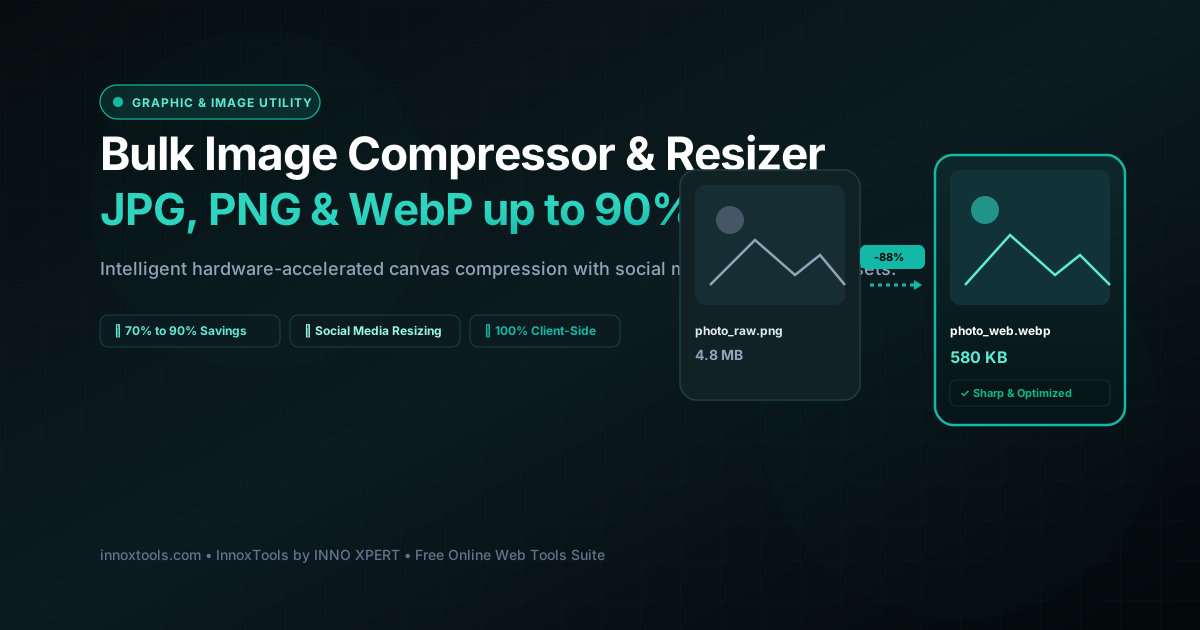
What is Bulk Image Compressor & Resizer? An Image Compressor is an asset optimization tool that shrinks file size for JPG, PNG, and WebP graphics by stripping superfluous EXIF metadata and applying intelligent quantization. InnoxTools compresses visual media locally via the HTML5 OffscreenCanvas API and WebAssembly codecs in your browser, achieving up to 85% size reduction with zero cloud data transmission.
- Canonical Utility:
- Bulk Image Compressor & Resizer on InnoxTools
- Execution Sandbox:
- 100% Client-Side RAM (Zero Cloud Storage)
- Compliance & Standards:
- ISO/IEC 10918-1 JPEG, PNG Specification (W3C), and WebP RIFF
- Runtime & Complexity:
- HTML5 OffscreenCanvas GPU Acceleration & MozJPEG/Wasm (O(w × h) Discrete Cosine Transform (DCT) Quantization)
- Network Transmission:
- 0 Outbound Bytes (Air-Gapped Client RAM)
- License & Usage:
- Free Commercial & Personal (Unlimited Runs)
In modern web design, digital marketing, and e-commerce store administration, image payload optimization is the single most critical factor determining website loading speeds and search engine rankings. High-resolution photographs captured by modern mirrorless cameras and smartphones frequently exceed 15 to 30 megabytes per file, containing redundant pixel data, heavy color quantization tables, and superfluous EXIF camera metadata. Serving unoptimized raster imagery across mobile cellular networks severely degrades Google Core Web Vitals metrics—particularly Largest Contentful Paint (LCP) and Cumulative Layout Shift (CLS)—resulting in higher visitor bounce rates and immediate organic ranking penalties.
Traditional online image compression services like TinyPNG, Compressor.io, or cloud API microservices impose strict limitations: rigid file size caps (such as 5MB max), forced waiting queues, mandatory email registrations, or paid subscriptions. More critically, transmitting proprietary corporate media, unreleased product photography, confidential client mockups, or personal family photos to remote third-party cloud servers introduces grave data privacy hazards and potential copyright leakages.
The InnoxTools Client-Side Image Compressor & Optimizer completely redefines digital image compression by executing 100% of the decoding, bicubic resampling, and lossy/lossless quantization pipeline directly within your local web browser. Powered by HTML5 Canvas 2D and modern browser hardware-accelerated WebAssembly APIs, your images are ingested, downsampled, re-encoded, and compressed entirely inside your device's private RAM. Not a single byte of image data or pixel buffer is ever transmitted across an external network connection.
Our multi-threaded compression engine provides granular control over output dimensions and encoding algorithms. Whether you need to compress photos in original JPEG format, convert heavy transparent PNG graphics into lightweight next-gen WebP assets (typically yielding 70% to 90% file size reductions with imperceptible visual fidelity loss), or resize images to popular social media presets (Instagram Square 1080x1080, YouTube Thumbnail 1280x720, Full HD 1920x1080, or Web Optimized 1200x800), InnoxTools handles batch processing with blistering near-instant speed.
With comprehensive real-time statistics displaying original file size, compressed payload, exact percentage savings, and side-by-side visual previews, InnoxTools delivers enterprise-grade media optimization built to the highest engineering standards of INNO XPERT—100% private, free forever, and accessible without limits on desktop and mobile browsers.
How It Works Under the Hood
Local File Ingestion via Drag & Drop
Drag and drop one or multiple JPG, PNG, or WebP images into the secure dropzone. Files are read instantaneously into private browser memory via the HTML5 File and FileReader APIs.
Configure Compression Quality & Dimension Scaling
Adjust the visual quality slider (from 10% maximum compression to 95% near-lossless fidelity) and choose your target maximum pixel width/height or preset aspect ratio.
Select Output Format (WebP, JPEG, PNG)
Select your preferred delivery format. Converting legacy PNG or large JPEG photos into modern WebP format typically cuts file sizes by an additional 25-35% beyond standard JPEG.
Hardware-Accelerated Canvas Re-encoding
Click 'Compress & Optimize Images'. The browser's GPU-accelerated 2D canvas draws the scaled image buffer and encodes it via native canvas.toBlob() routines in milliseconds.
Instant In-Memory Download
Download individual compressed photos with one click, or save all optimized assets directly to your device with zero upload latency.
Key Architectural Capabilities & Features
100% In-Browser Privacy
Your personal, corporate, or customer photographs never touch an external cloud server. All compression runs in local browser RAM.
70% to 90% File Size Reduction
Aggressive yet visually indistinguishable perceptual quantization strips redundant color profiles and optimizes entropy tables.
Next-Gen WebP Conversion
Effortlessly convert heavy PNGs and oversized JPEGs into modern WebP format for maximum Google PageSpeed and Core Web Vitals scores.
Smart Aspect Ratio & Social Presets
One-click dimension presets for Full HD (1920x1080), Web Standard (1200x800), Instagram Square (1080x1080), and YouTube Thumbnails (1280x720).
Batch Processing Ready
Queue multiple photos simultaneously and compress entire galleries in seconds without artificial queue throttling.
Side-by-Side Savings Breakdown
Instant transparent metrics showing original size in KB/MB, new optimized size, and exact percentage saved.
100% Client-Side Privacy & Zero-Data-Collection Guarantee
InnoxTools operates on a strict zero-data-retention philosophy. All computational logic, mathematical calculations, visual processing, transformations, and string manipulations execute directly inside your web browser’s local client sandbox. Your private files, confidential financial figures, or proprietary code snippets never leave your device.