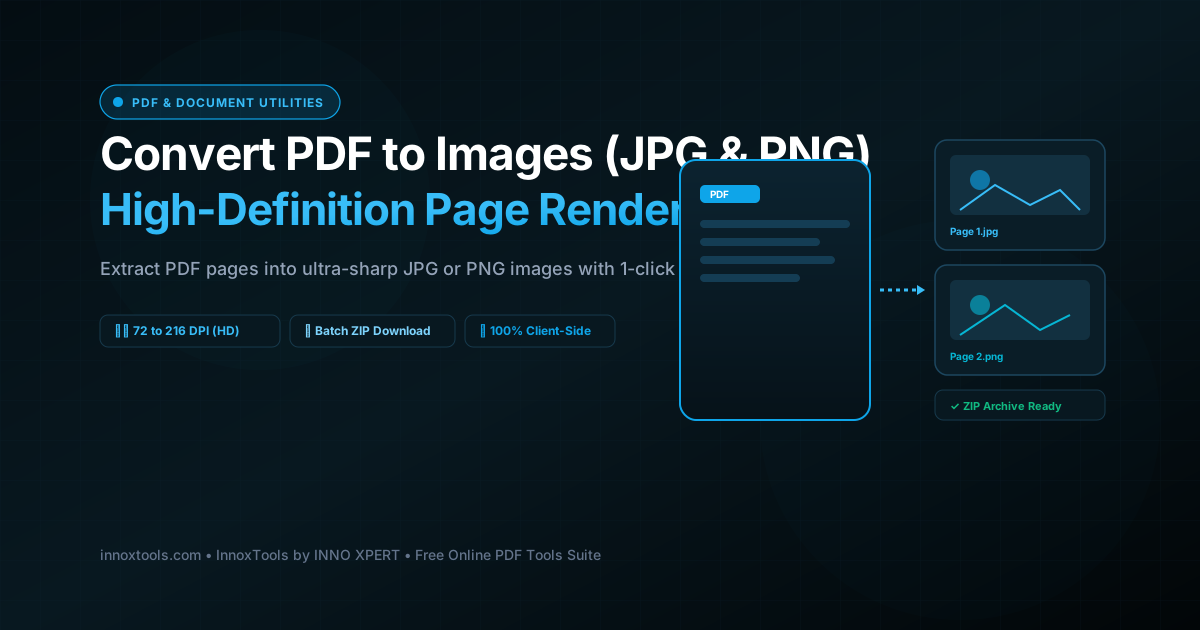
Everything You Need to Know About Convert PDF to JPG & PNG Images
What is Convert PDF to JPG & PNG Images? Extract pages from your PDF as high-definition JPG or PNG images (up to 216 DPI). Download individual pictures or batch export as a single ZIP archive. Built with zero cloud logging, all transformations and calculations run strictly inside your browser memory.
- Canonical Utility:
- Convert PDF to JPG & PNG Images on InnoxTools
- Execution Sandbox:
- 100% Client-Side RAM (Zero Cloud Storage)
- Compliance & Standards:
- W3C, RFC Compliant, Air-Gapped Safe
- Runtime & Complexity:
- Local V8 / WebAssembly (O(n) Linear Execution)
- Network Transmission:
- 0 Outbound Telemetry (Offline Capable)
- License & Usage:
- Free Commercial & Personal (Unlimited Runs)
In digital marketing, publishing, web design, presentation authoring, and social media management, converting Portable Document Format (PDF) files into high-resolution image formats (such as JPEG and PNG) is a continuous necessity. PDF documents are optimal for immutable vector distribution and physical printing; however, modern web platforms, content management systems (CMS like WordPress and Webflow), social media feeds (LinkedIn, Instagram, X), and presentation suites (PowerPoint, Google Slides, Keynote) frequently reject PDF uploads. They require standalone raster image assets that can be embedded directly into web pages, carousels, and slide decks.
Extracting pages from a PDF document as pictures, however, has traditionally presented severe friction. Operating system screen capture shortcuts (such as Snipping Tool or Command+Shift+4) capture only low-resolution display pixels, resulting in blurry, pixelated text and downsampled graphics. Conversely, commercial desktop software suites like Adobe Photoshop or Illustrator demand expensive monthly software subscriptions. Cloud-based PDF to JPG converters, meanwhile, force users to upload confidential legal agreements, proprietary balance sheets, or copyrighted publication proofs across remote public internet connections to third-party web servers, exposing sensitive business records to potential security breaches.
The InnoxTools Client-Side PDF to Image Converter definitively overcomes these challenges by executing the entire PDF parsing, font rendering, vector rasterization, and image packaging pipeline 100% within your local web browser. Built on Mozilla's enterprise-grade PDF.js rendering engine and HTML5 Canvas API, your document is interpreted and rendered directly inside your device's local memory. Not a single page of text, embedded photograph, vector illustration, or private metadata byte is ever uploaded to an external server.
Under the hood, our engine implements a hardware-accelerated 2D Canvas rasterization pipeline. When rendering a PDF page, the engine parses postscript drawing operators, resolves embedded TrueType and Type 1 font glyph outlines, executes anti-aliased vector rendering, and draws the visual page onto an off-screen canvas buffer. Users can choose between Standard Web (72 DPI - 1x scale), High Definition (144 DPI - 2x scale for retina displays), or Ultra Sharp (216 DPI - 3x scale for commercial print reproduction). For photography and complex documents, JPEG format provides optimal compression balance; for vector charts, logos, and high-contrast typography, PNG format ensures pristine edge fidelity.
Furthermore, our workstation provides unparalleled batch export efficiency. Users can convert all pages, odd pages, even pages, or custom page ranges (e.g. '1-4, 7'). Each rendered page is displayed in an interactive gallery featuring instant image inspection and individual download buttons. When converting multi-page documents, InnoxTools automatically compiles all rendered pages into an organized, compressed .ZIP archive for seamless 1-click batch download via JSZip.
Engineered by INNO XPERT to the highest cybersecurity and performance benchmarks, InnoxTools PDF to Image empowers marketers, designers, educators, and enterprise teams worldwide with a reliable, ultra-fast, and completely confidential document conversion workstation.
How It Works Under the Hood
Local PDF Ingestion via File API
Drag and drop your PDF file into the upload zone. The file is read directly into an in-memory ArrayBuffer via the HTML5 File API without uploading a single byte across the network.
Configure Format & Resolution Scale
Choose between JPG (photo quality) or PNG (crisp text), and select your desired resolution: Standard Web (72 DPI), High Definition (144 DPI), or Ultra Sharp (216 DPI).
Target Specific Page Scopes
Select whether to extract All Pages, Odd Pages Only, Even Pages Only, or a Custom Page Range (such as '1-3, 5, 8-10').
Hardware-Accelerated Canvas Rasterization
The PDF.js engine executes vector path rendering and TrueType glyph rasterization directly on an off-screen HTML5 Canvas, generating lossless image data URLs.
Gallery Inspection & 1-Click ZIP Download
Inspect rendered images in the interactive gallery, save individual pages, or download all pages packaged inside a single convenient ZIP archive.
Key Architectural Capabilities & Features
100% In-Browser Memory Rasterization
All PDF parsing and image rendering happen strictly within your browser's private memory sandbox. Zero server uploads guarantee absolute privacy.
High-Definition DPI Scaling
Select between Standard Web (72 DPI - 1x), High Definition (144 DPI - 2x), and Ultra Sharp (216 DPI - 3x print grade).
Dual Format Support (JPG & PNG)
Export as high-compression JPEG photos or lossless PNG images for ultra-sharp typography and vector graphics.
Automatic Batch ZIP Packaging
Converts multi-page documents and compiles all pictures into a single, organized ZIP archive with 1-click download.
Targeted Page Range Scopes
Convert all pages, odd pages, even pages, or define custom page ranges (e.g. 1-3, 5, 8-12).
Interactive Visual Gallery
Review rendered image cards with real-time pixel dimensions, file size metrics, and individual download buttons.
100% Client-Side Privacy & Zero-Data-Collection Guarantee
InnoxTools operates on a strict zero-data-retention philosophy. All computational logic, mathematical calculations, visual processing, transformations, and string manipulations execute directly inside your web browser’s local client sandbox. Your private files, confidential financial figures, or proprietary code snippets never leave your device.