Everything You Need to Know About Excel (.xlsx) to PDF Converter
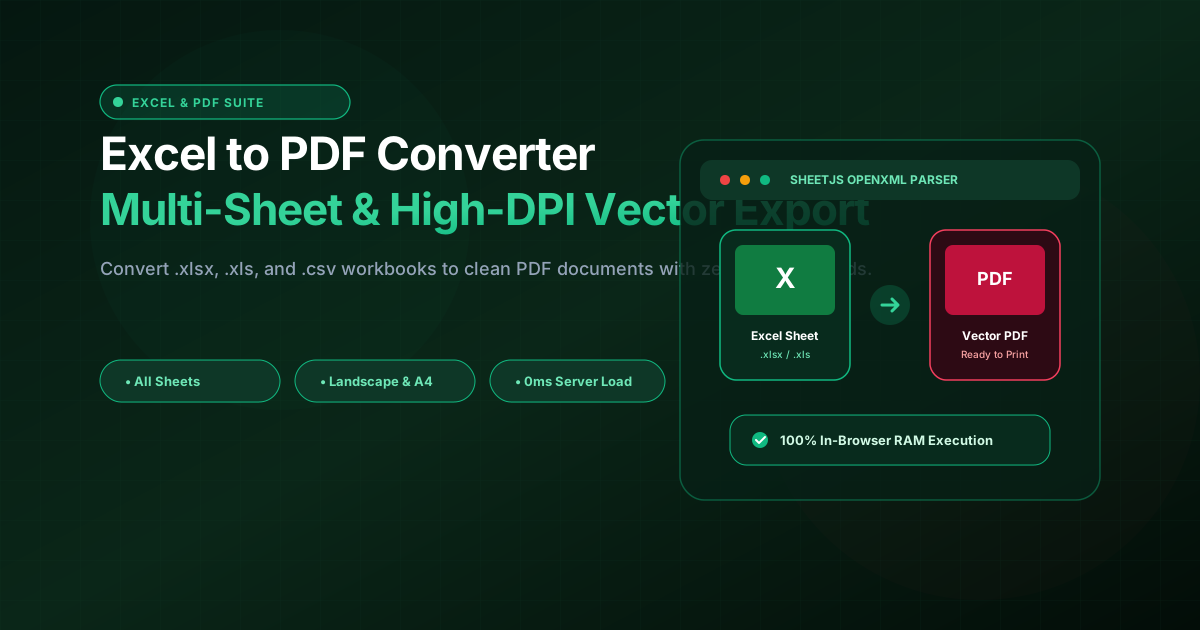
What is Excel (.xlsx) to PDF Converter? Convert Excel spreadsheets (.xlsx, .xls, .csv) into clean, high-DPI vector PDF documents. Multi-sheet workbook tabs, Landscape/Portrait, 100% private. Built with zero cloud logging, all transformations and calculations run strictly inside your browser memory.
- Canonical Utility:
- Excel (.xlsx) to PDF Converter on InnoxTools
- Execution Sandbox:
- 100% Client-Side RAM (Zero Cloud Storage)
- Compliance & Standards:
- W3C, RFC Compliant, Air-Gapped Safe
- Runtime & Complexity:
- Local V8 / WebAssembly (O(n) Linear Execution)
- Network Transmission:
- 0 Outbound Telemetry (Offline Capable)
- License & Usage:
- Free Commercial & Personal (Unlimited Runs)
Microsoft Excel spreadsheets (.xlsx, .xls) and OpenDocument spreadsheets (.ods) serve as the backbone of modern corporate finance, commercial operations, accounting ledgers, and data analytics. From quarterly revenue forecasts and executive balance sheets to employee timesheets and inventory manifests, organizational decision-making is documented in spreadsheet grids.
However, sharing raw Excel workbooks outside internal corporate firewalls introduces significant operational vulnerabilities. Spreadsheet cell values can be inadvertently modified or overwritten by recipients, proprietary calculation formulas and hidden worksheets can be exposed, and recipient devices may lack Microsoft Office, resulting in misaligned column widths, broken font substitutions, and distorted formatting.
Furthermore, when printing or submitting financial spreadsheets to external tax authorities, banking institutions, regulatory agencies, or legal courts, documents must adhere strictly to immutable, tamper-proof Portable Document Format (PDF) standards. PDF guarantees universal visual consistency across every desktop computer, smartphone, and commercial print press.
Unfortunately, standard cloud-based Excel to PDF conversion utilities introduce catastrophic data security hazards. Uploading proprietary corporate spreadsheets—containing confidential employee salaries, financial account numbers, customer contact databases, and trade pricing models—to third-party remote cloud servers breaches GDPR, HIPAA, and corporate SOC 2 compliance mandates.
The InnoxTools Excel to PDF Converter provides an enterprise-grade solution engineered with 100% Client-Side In-Browser RAM execution. Powered by the SheetJS OpenXML engine, your spreadsheet workbooks are ingested, parsed, formatted, and rendered directly inside your local browser memory sandbox. Zero bytes of sensitive financial data ever leave your computer.
Our conversion studio empowers users with sophisticated document layout controls: toggle between Landscape (ideal for wide financial balance sheets) and Portrait orientations, select international A4 or North American US Letter paper dimensions, customize cell gridline visibility, and choose between exporting the active worksheet tab or publishing all multi-tab workbook sheets in a unified document.
How It Works Under the Hood
Client-Side Ingestion of Spreadsheet Workbook
Drag and drop your .xlsx, .xls, .csv, or .ods spreadsheet into the secure dropzone. The file is read directly into memory via ArrayBuffer streams without uploading to any remote server.
Worksheet Navigation & Live Tab Preview
Browse through each worksheet tab using the interactive tab bar. Inspect row and column counts, examine data values in the formatted preview table, and verify layout integrity.
Page Orientation & Print Formatting Configuration
Configure page geometry to match your document structure: select Landscape for wide multi-column tables, toggle clean or bordered cell gridlines, and choose A4 or US Letter standards.
High-DPI Vector PDF Generation & Instant Save
Click 'Export & Save PDF' to generate a crisp, vector-rendered PDF document via the browser's hardware-accelerated print driver. Save to local disk or send directly to connected printers.
Key Architectural Capabilities & Features
100% In-Browser Privacy Protection
Confidential financial audits, payroll records, and client databases remain strictly on your local device. Zero data is uploaded to remote cloud servers.
Multi-Worksheet Tab Support
Seamlessly parse complex workbooks with multiple sheet tabs, allowing selective single-sheet export or multi-tab consolidated PDF compilation.
Landscape & Portrait Geometry
Switch between Landscape mode for wide data sheets and Portrait mode for vertical listings with automatic column fitting.
A4 & US Letter Paper Presets
Comply with international ISO 216 (A4) or North American ANSI (Letter) printing standards with calibrated page margins.
Clean or Bordered Cell Gridlines
Toggle subtle cell borders on or off to achieve executive-grade financial reporting aesthetics or clean white backgrounds.
No Microsoft Office License Required
Convert spreadsheets instantly on Chromebooks, Linux machines, MacBooks, iPads, and mobile devices without paying for Microsoft 365.
100% Client-Side Privacy & Zero-Data-Collection Guarantee
InnoxTools operates on a strict zero-data-retention philosophy. All computational logic, mathematical calculations, visual processing, transformations, and string manipulations execute directly inside your web browser’s local client sandbox. Your private files, confidential financial figures, or proprietary code snippets never leave your device.