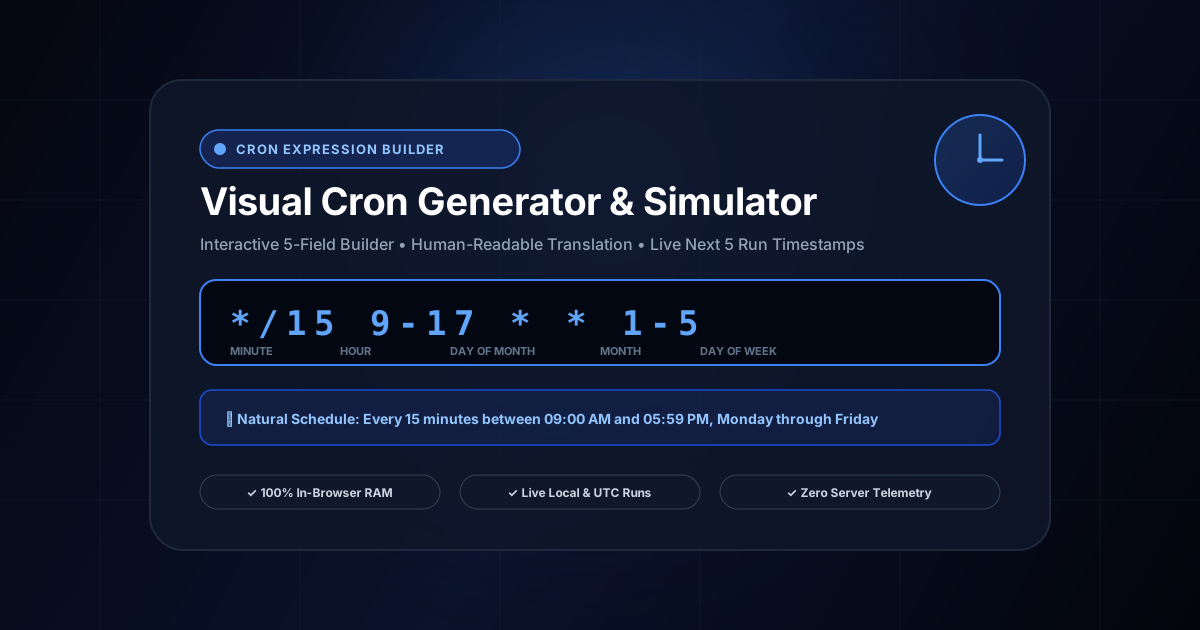
Everything You Need to Know About Cron Expression Generator & Visual Builder
What is Cron Expression Generator & Visual Builder? Generate, test, and schedule cron expressions with a visual interactive builder, natural English translation, and live next 5 run simulations in local time and UTC. Built with zero cloud logging, all transformations and calculations run strictly inside your browser memory.
- Canonical Utility:
- Cron Expression Generator & Visual Builder on InnoxTools
- Execution Sandbox:
- 100% Client-Side RAM (Zero Cloud Storage)
- Compliance & Standards:
- W3C, RFC Compliant, Air-Gapped Safe
- Runtime & Complexity:
- Local V8 / WebAssembly (O(n) Linear Execution)
- Network Transmission:
- 0 Outbound Telemetry (Offline Capable)
- License & Usage:
- Free Commercial & Personal (Unlimited Runs)
Job scheduling is an indispensable component of backend engineering, cloud automation, and systems administration. From daily database backups, hourly cache purges, and automated invoice dispatches to periodic webhook retries and health-check pings, scheduled recurring tasks are universally orchestrated using the Unix Cron syntax.
First introduced in Unix Version 7 in 1979, the 5-field cron format—consisting of Minute (0-59), Hour (0-23), Day of Month (1-31), Month (1-12), and Day of Week (0-6)—remains the global standard across Linux crontabs, AWS EventBridge, Kubernetes CronJobs, Google Cloud Scheduler, GitHub Actions workflows, and backend frameworks like Node-cron, Spring `@Scheduled`, and Celery.
Despite its ubiquity, composing complex cron expressions manually is notoriously fraught with human error. Developers regularly confuse the order of day-of-month and day-of-week fields, misuse step syntax (e.g. `*/15` vs `15`), or accidentally schedule compute-heavy batch tasks to run every single minute rather than once a day. In production environments, a single misplaced asterisk can trigger catastrophic server resource exhaustion, unexpected cloud API rate limit bans, or accidental mass email spam to customers.
The InnoxTools Visual Cron Expression Generator & Schedule Simulator removes all guesswork from task scheduling. Engineered by INNO XPERT, our interactive interface empowers engineers to construct complex schedules visually through intuitive minute, hour, day, month, and weekday controls—instantly translating raw expressions into fluent, unambiguous natural language descriptions.
Crucially, InnoxTools features an integrated Next Run Simulator that calculates and previews the exact next 5 upcoming execution timestamps in both your local machine timezone and Coordinated Universal Time (UTC). Executing 100% in-browser without server telemetry, InnoxTools guarantees complete privacy for your sensitive internal automation workflows.
How It Works Under the Hood
Visual Parameter Selection & Mode Toggling
Navigate through the Minutes, Hourly, Daily, Monthly, and Weekly tabs. Select between 'Every', 'Every N (Step)', or select specific hours, days, or months using clickable interactive pills.
Bidirectional Cron Parsing & Direct Editing
Have an existing cron expression from a legacy server or GitHub Action? Paste it directly into the input bar. The parser instantly tokenizes the 5 fields, updates the schedule analysis, and validates syntax.
Natural Language Semantic Translation
The internal rules engine converts cryptic asterisk notations into a human-readable summary (e.g. 'Runs every 15 minutes past hour 9:00 in Jan, Apr on Monday through Friday').
Live Execution Timestamp Simulation
The simulator iterates forward from the current minute to compute the exact calendar dates and timestamps of the next 5 scheduled executions in both your local timezone and UTC.
Key Architectural Capabilities & Features
Interactive Visual Builder
Build foolproof schedules with dedicated UI controls for minutes, hours, days, months, and weekdays.
Human-Readable Translation
Instantly translates complex cron expressions into clear, natural English descriptions.
Next 5 Execution Timestamps
Simulates and displays the upcoming 5 execution dates and times in both local time and UTC.
Quick Architectural Presets
Includes 1-click presets for common schedules: every 5m, hourly, daily midnight, weekdays at 9am, and monthly.
Bidirectional Support
Build from scratch visually or paste existing cron expressions to decode and simulate them.
100% In-Browser Privacy
Zero server uploads. Your proprietary server schedules and internal automation routines remain completely private.
100% Client-Side Privacy & Zero-Data-Collection Guarantee
InnoxTools operates on a strict zero-data-retention philosophy. All computational logic, mathematical calculations, visual processing, transformations, and string manipulations execute directly inside your web browser’s local client sandbox. Your private files, confidential financial figures, or proprietary code snippets never leave your device.