Everything You Need to Know About CSV to JSON & JSON to CSV Studio
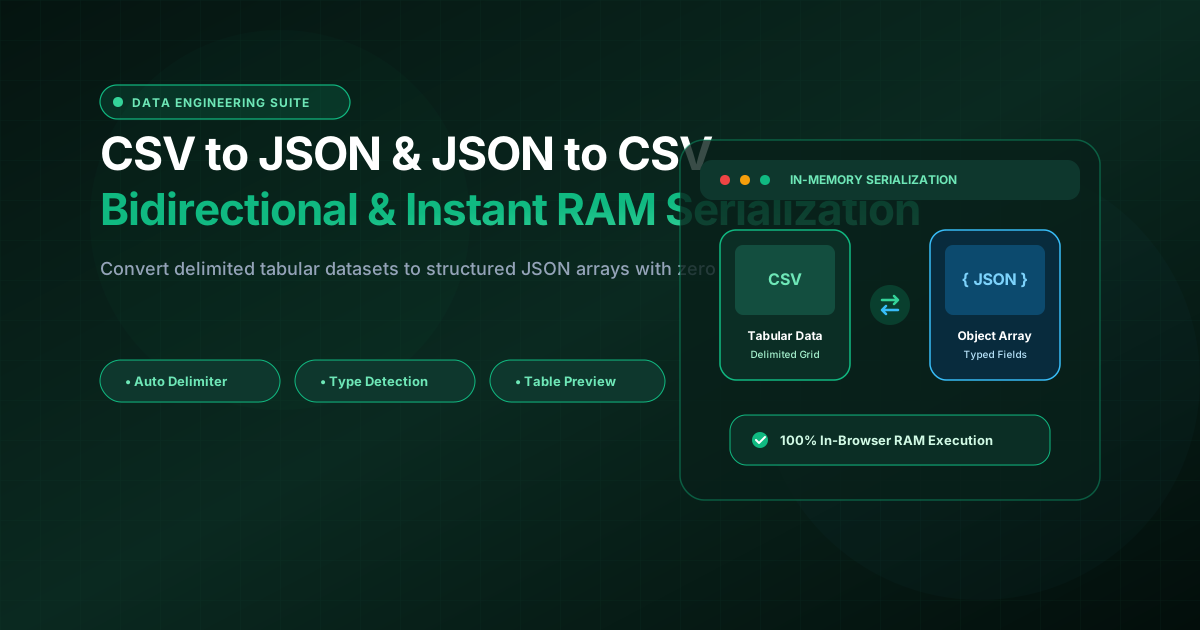
What is CSV to JSON & JSON to CSV Studio? Convert CSV to JSON arrays and JSON to CSV spreadsheets bidirectionally. Auto-delimiter detection, type casting, interactive table preview, 100% client-side. Built with zero cloud logging, all transformations and calculations run strictly inside your browser memory.
- Canonical Utility:
- CSV to JSON & JSON to CSV Studio on InnoxTools
- Execution Sandbox:
- 100% Client-Side RAM (Zero Cloud Storage)
- Compliance & Standards:
- W3C, RFC Compliant, Air-Gapped Safe
- Runtime & Complexity:
- Local V8 / WebAssembly (O(n) Linear Execution)
- Network Transmission:
- 0 Outbound Telemetry (Offline Capable)
- License & Usage:
- Free Commercial & Personal (Unlimited Runs)
Comma-Separated Values (CSV) and JavaScript Object Notation (JSON) represent the two most ubiquitous data serialization standards in modern computing. CSV serves as the universal lingua franca for spreadsheet software (Excel, Google Sheets), relational database exports, financial reports, and data science pipelines. Concurrently, JSON serves as the foundational data format for RESTful APIs, NoSQL document databases (MongoDB, DynamoDB), frontend JavaScript applications, and modern cloud microservices.
Data analysts, software engineers, DevOps specialists, and product managers frequently find themselves needing to bridge the gap between these two paradigms: converting client CSV spreadsheets into JSON object arrays for API ingestion, or transforming nested JSON database dumps into flat CSV tables for executive reporting and spreadsheet pivot analysis.
However, converting delimited data using online web utilities frequently presents severe operational hazards: delicate CSV files with quoted commas, multiline text fields, or mixed delimiters (semicolons, tabs, pipes) often break poorly designed online regex parsers. More critically, uploading proprietary customer lists, financial transactions, or enterprise schemas to third-party web converters violates corporate data security policies and privacy regulations like GDPR and CCPA.
The InnoxTools CSV to JSON & JSON to CSV Studio provides a high-throughput, enterprise-grade serialization engine designed with 100% Client-Side In-Browser RAM execution. Utilizing RFC 4180-compliant quote-aware tokenizers and native browser JSON parsers, your datasets are converted bidirectionally with zero cloud uploads.
Our data studio features automatic delimiter detection (comma, semicolon, tab, pipe), automatic type coercion (detecting numbers, booleans, and nulls), flexible JSON indentation formatting (2-space, 4-space, or compact minified), an interactive spreadsheet preview table, and instant one-click clipboard copying and file downloads.
How It Works Under the Hood
Input Data Ingestion (CSV or JSON)
Paste raw CSV rows or a JSON array into the editor, or upload .csv, .tsv, or .json files directly via the file picker.
Direction & Parsing Configuration
Select CSV to JSON or JSON to CSV. Toggle 'Header Row' to use the first row as object keys, and enable 'Type Auto-Detect' to cast numbers and booleans.
In-Memory Serialization & Dual View
Dataset is transformed in browser RAM. Switch between the raw formatted Code View and the interactive Table View to inspect records in a spreadsheet grid.
Instant Export & File Download
Copy converted data directly to your clipboard or download clean .json or .csv files with proper UTF-8 character encoding.
Key Architectural Capabilities & Features
100% In-Browser Privacy Protection
Confidential customer databases, transaction ledgers, and proprietary API schemas are parsed locally in RAM. Zero data is ever sent to external servers.
Bidirectional Conversion (CSV ⇄ JSON)
Seamlessly convert delimited CSV text into structured JSON arrays of objects, or flatten complex JSON arrays into standard CSV spreadsheets.
Auto-Delimiter Detection
Intelligently identifies whether your input file uses commas (,), semicolons (;), tabs (\t), or pipes (|) without manual configuration.
Automatic Type Coercion
Automatically converts numerical strings (e.g. "42") to numbers and "true"/"false" strings to native boolean values in JSON output.
Interactive Tabular Grid Preview
Toggle between formatted code output and a live spreadsheet table view to inspect columns and rows visually before exporting.
RFC 4180 Quote-Aware Parsing
Correctly handles field values containing commas, double quotes, and line breaks without corrupting row alignment.
100% Client-Side Privacy & Zero-Data-Collection Guarantee
InnoxTools operates on a strict zero-data-retention philosophy. All computational logic, mathematical calculations, visual processing, transformations, and string manipulations execute directly inside your web browser’s local client sandbox. Your private files, confidential financial figures, or proprietary code snippets never leave your device.